Pixel First Meta Descriptions for UK Sites, 120–155 Characters in 2026

Google measures snippets in pixels, not characters, so the honest 2026 target is a practical window rather than a hard rule: aim for roughly 120 to 155 characters, front-load the first 110 characters with your actual point, and accept that Google may rewrite your snippet anyway. When you need more control than writing alone gives you, technical directives exist to influence what gets shown.
TL;DR:
- Google measures snippet length in pixels, not characters, with desktop truncating around 155 and mobile around 110 characters; width variations impact display.
- Proper nouns, numbers, and query term highlighting increase pixel width, causing earlier truncation even if character counts match.
- For most pages, keeping meta descriptions between 120 and 155 characters with the main point in the first 110 is optimal for visibility on all devices.
- Using technical directives like max-snippet, nosnippet, or data-nosnippet allows precise control over what is displayed, especially for sensitive or duplicate content.
- Consistently auditing with pixel previews and focusing on clarity and relevance in descriptions easily overrides strict character count limits in 2026.
Table of Contents
- Pixels, truncation and how Google measures snippet length in 2026
- Practical 2026 length ranges and page-type guidance
- Technical controls to influence or suppress snippets
- Writing best practices for meta descriptions in 2026
- Testing and auditing meta descriptions: tools, pixel previews and workflows
- How we apply these rules when we build and launch sites
- Editor’s perspective: snippet trends and how SEOs should prioritise
- A fast, done-for-you alternative to manual metadata audits
- FAQ
- Sources
Pixels, truncation and how Google measures snippet length in 2026
Character counts are a proxy. The real constraint is width, measured in pixels, because search results render in a proportional font where a capital “W” eats far more space than a lowercase “i”. That is why two meta descriptions with identical character counts can display completely differently: one packed with narrow letters survives intact, the other gets chopped mid-sentence.

Google’s own guidance confirms there is no enforced character limit. Snippets are truncated to fit the available width for the device, which is why character-count advice is always an approximation dressed up as a rule.
On desktop, that width works out to roughly 920 pixels, which industry measurement commonly maps to around 155 to 160 characters. On mobile, the available space shrinks to around 680 pixels, closer to 110 to 125 characters. A UK-focused practical guide puts desktop nearer 140 to 160 characters, which tells you the same thing every source tells you: treat the number as a sensible ceiling, not gospel.
A few things quietly eat your pixel budget:
- Capital letters take up noticeably more width than lowercase, so a description heavy on proper nouns or acronyms truncates sooner.
- Numbers and dates (such as “2026”) behave like any other character but often sit inside bolded or highlighted query matches, which widens them visually.
- Bolded query-term highlighting in the SERP itself adds visual width to matched words, so a description that repeats the search term several times can look longer than its character count suggests.
Take two descriptions, both exactly 150 characters. One reads in plain lowercase with short words. The other is stuffed with “SEO”, “2026”, “ROI” and other capitalised shorthand. The second will visibly truncate first, even though the counters say they are the same length. That is the pixel trap, and it is why chasing an exact character number is the wrong instinct, even if it is a useful starting approximation.
Practical 2026 length ranges and page-type guidance
Once you accept pixels as the real limit, the sensible move is to work within a window rather than hit a single number. For most page types, 120 to 155 characters is the practical target for 2026, giving you enough room to make a real point on desktop while staying safe on mobile. Separate guidance backs the same range and puts the emphasis where it belongs: on front-loading and uniqueness rather than counting characters to the digit.
Different page types earn different targets:
- Product and category pages work best shorter, around 80 to 120 characters, because shoppers scan fast and the useful detail (price, availability, spec) often sits better in structured data than in prose.
- Homepages sit comfortably at 120 to 140 characters, enough to state who you serve and what you do without padding.
- Long-form articles and guides can stretch to 140 to 160 characters, since readers researching a topic tolerate a fuller sentence before clicking.
The practical discipline that matters more than any of these ranges: put your actual differentiator inside the first 110 characters. Mobile users on that ~680-pixel budget will never see anything past that point, so if your unique selling point is sitting at character 140, it is invisible to a large chunk of your audience.
Keep punctuation plain. Quotation marks, em dashes and exotic symbols either get stripped by Google’s rendering or eat pixel space for no benefit. A plain sentence that states your point does more work than a clever one wrapped in punctuation.

Technical controls to influence or suppress snippets
Writing a good description gets you most of the way, but Google’s robots meta tag documentation gives you direct levers when you need them:
- max-snippet: sets a maximum character length Google may use for a text snippet on that page; setting it to 0 is treated the same as
nosnippet(no snippet at all), while -1 tells Google there is no preference and it can choose the length itself. - nosnippet removes the snippet preview entirely, which is useful for pages with sensitive, time-limited or duplicated content, but it also removes your chance to sell the click, so use it sparingly.
- data-nosnippet is an HTML attribute you can apply to a specific span, div or section, blocking just that piece of text from being used in a snippet while leaving the rest of the page eligible, handy for legal boilerplate or repeated navigation text you do not want quoted in results.
- X-Robots-Tag, documented by MDN, delivers the same directives via an HTTP header rather than HTML, which matters for non-HTML files like PDFs where you cannot add a meta tag.
Precedence matters here. When directives conflict, whether between a meta robots tag, an X-Robots-Tag header, or robots.txt, the more restrictive rule wins. And critically, if robots.txt blocks crawling of a URL altogether, Google never sees the header or meta directives on that page, so they simply cannot be applied. If you are building or adjusting a robots.txt file, a robots.txt generator is a sensible way to avoid accidentally blocking the very pages whose snippet behaviour you are trying to control.
The decision flow is short: if the page is fine to summarise, leave it alone and write a good description. If it contains sensitive or throwaway content, consider nosnippet. If only part of a good page is the problem, reach for data-nosnippet instead of blunt-forcing the whole page.
Writing best practices for meta descriptions in 2026
A meta description is not a ranking lever. It is an advert for the click, and the checklist that actually moves CTR is unglamorous:
- Write a unique description for every page; duplicated or template descriptions across a category get ignored or rewritten more often.
- Front-load the outcome or answer in the first 110 characters, because that is what survives truncation on every device.
- Match the query intent and your own H1, since a description that mirrors the page’s actual first paragraph gives Google fewer reasons to substitute its own summary.
- Write in plain English, no jargon stacking, no keyword stuffing.
- Include one clear call to action where it fits naturally, never three competing ones.
If your page carries structured data (product price, review stars, FAQ markup), keep the written description shorter and let the schema do some of the talking. A bloated description competing with rich snippet data for attention tends to look cluttered rather than persuasive.
Pro Tip: Read your first 110 characters out loud on their own. If they make sense as a standalone sentence, you have front-loaded it correctly.
Compare these two for a trade business page:
Weak: “We offer a wide range of professional services for homes and businesses across the local area at competitive rates.”
Improved: “Fixed-price electrical quotes within 24 hours. No call-out fee, fully insured, available this week.”
The second one commits to specifics in the first ten words. That is the whole difference between a description that gets ignored and one that earns the click, as industry CTR comparisons consistently show: specificity beats category-speak.
Testing and auditing meta descriptions: tools, pixel previews and workflows
Writing a good description is only half the job. You need to check what actually renders, and whether Google is using your version at all.
Pixel-aware audit tools will flag missing descriptions, duplicates across a site, and gaps where og:description is absent, which matters because social previews and some search surfaces fall back to body copy when that tag is missing.
A workable audit workflow runs in four steps:
- Crawl the site to pull every page’s current meta description and length.
- Prioritise by traffic or commercial importance, since you cannot fix everything at once and your highest-value pages deserve the first pass.
- Edit and preview each description in a pixel-based SERP preview tool before publishing, checking both desktop and mobile widths.
- Monitor changes in Search Console over the following weeks to see whether your written description is actually the one appearing in results.
When Google consistently rewrites a specific page’s snippet, that is useful signal. It usually means the written description does not match what searchers are actually clicking through for, or the page’s first paragraph says something more relevant than the meta tag does. Sometimes the rewritten version is simply better; there is no shame in leaving it alone once you have confirmed it serves the query properly.
How we apply these rules when we build and launch sites
Every site we build gets a unique meta description per canonical page, checked against a pixel preview before launch, not just a character counter. That is part of the standard build, alongside AI search training, SEMrush-led SEO and managed UK hosting with SSL included from day one.
Our production checklist stays simple on purpose: unique meta per page, a pixel preview check on both devices, robots directives only applied when a page genuinely needs suppressing, and og:description parity so social shares do not fall back to scraped body text. We built this checklist because we have watched too many small business sites launch with the same template description copied across twenty pages, which is exactly the kind of thing that gets a snippet quietly rewritten and ignored.
Editor’s perspective: snippet trends and how SEOs should prioritise
Chasing the exact character count is a losing game, and it always has been. AI Overviews are already reusing page copy in ways that bypass the traditional snippet entirely, pulling meaning from structured data and body content rather than your carefully counted meta tag.
That shifts the priority. Semantic alignment between your H1, your first paragraph and your meta description matters more than hitting 155 characters on the nose. Structured data earns its keep here too, because it gives search engines a second, cleaner way to understand what a page actually offers.
The practical move is to keep auditing on a regular cadence, watch developer guidance for changes, and stop treating a single character count as the finish line. Clarity and intent-matching outlast any pixel rule Google adjusts next quarter.
— Rhys
A fast, done-for-you alternative to manual metadata audits
If reading all this made you want someone else to just handle it, that is fair enough. We build websites with metadata hygiene baked in from the start: unique descriptions per page, AI search training so your business shows up when people ask ChatGPT or Google’s AI Overview for a local recommendation, and SEMrush-led SEO that covers the basics without a bloated agency invoice behind it.
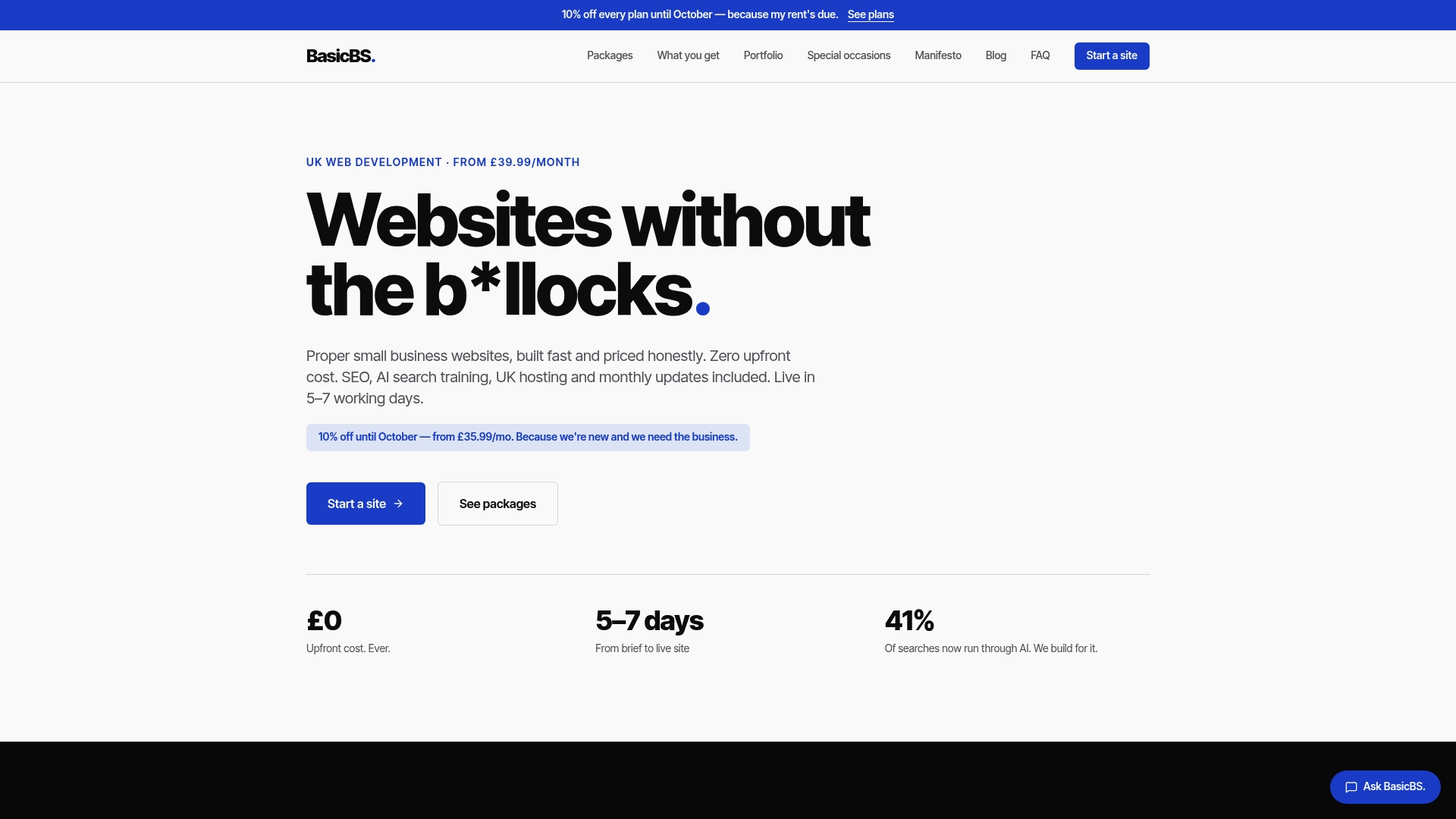
We offer pay monthly website design with no upfront cost, built for small businesses and trades who want a mobile-friendly quote page without signing a long contract. Sites go live in 5 to 7 working days, hosting and SSL are managed, and pricing stays transparent throughout, including our Website Sale! plan from £10 per month. If a traditional agency quote left you cold, or you are tired of DIY builders that leave metadata half-finished, see what a straightforward build actually looks like on our services page, or browse real examples on our portfolio before you decide.
FAQ
What is the recommended length for a meta description?
A practical 2026 target is 120 to 155 characters, front-loading your main point in the first 110 characters so it survives on mobile. There is no hard limit; Google truncates based on pixel width, not a fixed character count.
How long is a good meta description?
A good meta description is long enough to state one clear, specific benefit and short enough to avoid truncation on mobile, typically landing within the 120 to 155 character window. Shorter works for product pages, longer suits in-depth articles.
What happens if the meta description is below 70 characters?
A description that is very short is not penalised, it simply uses less of the available snippet space than it could, which often means a missed chance to add detail that helps the click-through decision. Google may still rewrite it regardless of length if it decides page content answers the query better.
Do meta keywords matter in 2026?
No, the meta keywords tag has no bearing on rankings or snippets in 2026 and has not for a long time; focus instead on a well-written meta description and clean, trawlable page structure. Technical controls like max-snippet and nosnippet, documented by Google, are the directives that actually influence what searchers see.
Sources
- Control your snippets in search results — Google Search Central
- X-Robots-Tag header — MDN Web Docs
- Isitready
- The snippet is the first test of your visibility — SEOZoom
Recommended
- Why Cheap Website Development Fails (And What To Buy Instead)
- Website Examples & Templates